Rank a retail shop in the Map Pack by optimizing its Google Business Profile, adding a product inventory feed, posting weekly, and earning product-specific reviews.
For a local retail shop, the Google Business Profile is the single asset most directly responsible for Map Pack rankings. Each section of the profile sends a specific signal to Google, and the shops that rank are the ones where every section is set up to do its job.
Step 1: Set the Service Area to Where Customers Actually Come From
The biggest mistake retail shops make is setting the service area too wide. A shop drawing customers from three neighborhoods does not need a service area covering an entire metro. A tightly defined service area tells Google the shop is the local choice for those specific neighborhoods, which is exactly the signal the Map Pack rewards.
Step 2: Select Every Category That Applies, Including Secondary Ones
Most retail shop owners pick a primary category and stop. A boutique might select “Women’s Clothing Store” and miss “Boutique,” “Bridal Shop,” or “Accessories Store.” Each additional category creates another set of searches the shop can appear for. The primary category should match the core business, but secondary categories should cover every product line and service the shop offers.
Step 3: Fill the Products and Services Sections With Customer Search Terms
The products and services sections are essentially free keyword space. The terms entered here directly shape which searches the profile appears for. The language has to match what customers actually type — “leather handbags,” “gift cards,” “men’s running shoes” — not internal merchandise categories or brand names customers would not search for. Each product or service entry should include a short description that uses the same customer-facing language.
Step 4: Add a Local Product Inventory Feed
A local product inventory feed lets Google show specific products from the shop directly in nearby search results. The feed gives Google product-level keywords to work with, the same way the services section gives it service-level ones. For retail shops with inventory that turns over often, the feed surfaces individual items to nearby searchers before they walk through the door, turning specific product searches into store visits.
Step 5: Post Weekly With Geotagged Store Photos
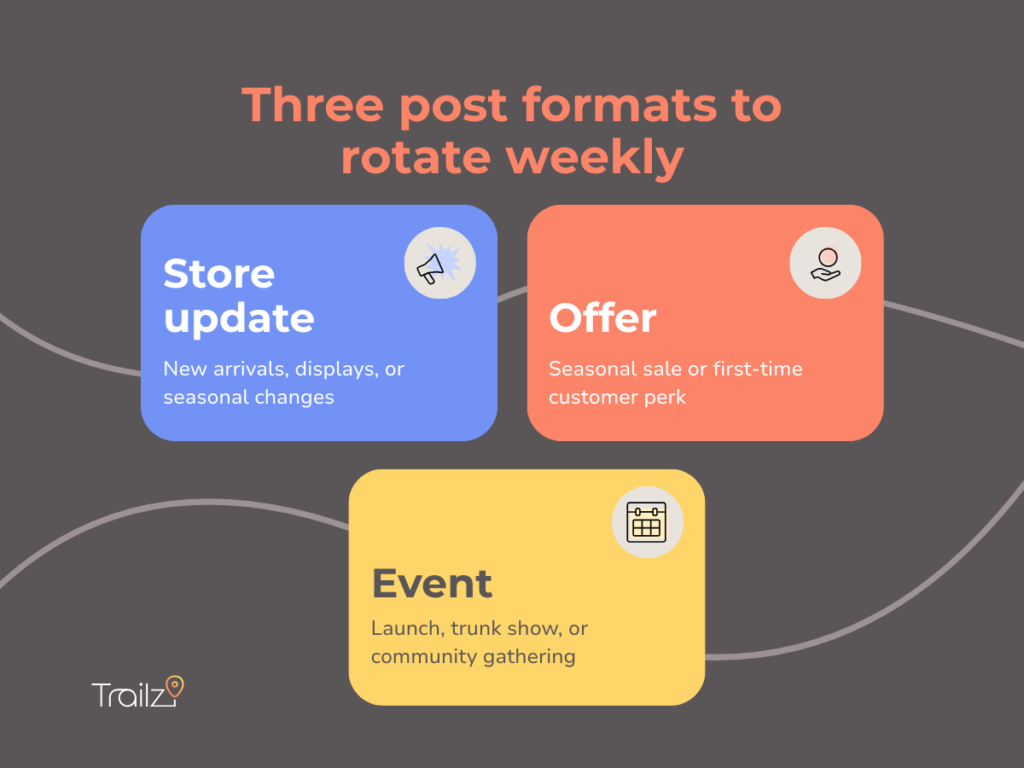
Consistent posting tells Google the shop is active. Each post should pair a geotagged image with one of three formats: a store update showing new arrivals or displays, an offer like a seasonal sale or first-time customer perk, or an event like a launch, trunk show, or community gathering. Geotagged photos taken inside the shop reinforce that the business operates at the listed address.
Step 6: Build a Steady Flow of Product-Specific Reviews
Reviews that name specific products or describe the in-store experience help the shop rank for those exact searches. A review saying “found the perfect anniversary gift in their jewelry case” works harder than “great store.” Asking for reviews at the register — when the customer is happiest and holding the purchase — captures the moment when product-specific language comes most naturally.